2/14
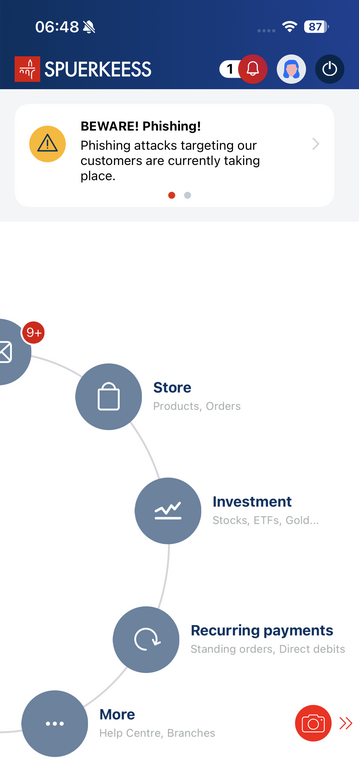
Press the "Invest" button to access the financial markets.
3/14
Use the search bar at the top to enter a name, symbol, or ISIN code. You can also explore categories displayed on the screen, such as Stocks, ETFs, or Funds, by scrolling or pressing "See all".
4/14
Enter the name of a security (e.g. “Lux”). Use the filter to display only Funds or Stocks. Then select the desired security.
5/14
Review the performance trends and past results, then check the current daily price and history. Press "Buy".